Intro
Back in September 2016, Khanh and I gave a presentation to our team about getting more out of JIRA. The premise was that most of the friction people feel with an issue tracker is self-inflicted: tickets without context, projects that aren’t tracked properly, and misconfigured workflows. Fix the inputs and the tracker stops being a source of heartburn.
Here is the deck, mostly intact (only a few things were removed to protect the innocent).




1 / 16 Cure Heartburn with JIRA
Slide text
-
Cure Heartburn with JIRA
- By Khanh & Nick
-
JIRA Wizards
- These individuals to be found to use JIRA in exceptional ways.
- They serve as examples to others for how to effectively use JIRA.
- “I’m really glad I discovered JIRA here; I’ll be using it for the rest of my life.”
-
How JIRA Cures Heartburn
- Effective JIRA usage reduces stress for everybody.
- Burn rate reports for better planning (hours used / hours scheduled).
- Avoid burnout from overwork (you can schedule more easily).
- Don’t get burned by surprises (you know what’s remaining).
-
Calculating Hours Using JIRA
- Burn rate: Harvest hours / JIRA completed.
- 10 hours logged / 5 hours estimated = 2 hours were worked for every hour estimated.
- Required velocity: JIRA remaining / calendar scheduled.
- 10 hours remaining / 5 hours scheduled = 2 hours must be done for every hour estimated.
-
JIRA Helps with Planning
- JIRA is the practical means of conveying and tracking a plan of execution.
- Ideally, one person plans, then distills into JIRA tickets.
- Hour estimates and due dates help to plan for when things will be done.
-
Workflow
- For example, mark as to do and assign to a Developer, who might then mark it as in progress or assign it back to the Project Manager and mark it as in review.
-
Khan's & Nick's Favourites
- Khan’s & Nick’s Favourites
-
Good JIRA Tickets
- Have a short, expressive, distinct, relevant title.
- Have an annotated screenshot.
- Have inline images.
- Have links to relevant pages.
- Are clear to those unfamiliar with the task.
-
Bad JIRA Tickets
- Lack context (screenshots, URL’s, well named attachments).
- Have dozens or hundreds of comments.
- Assume others know what you were thinking.
- Are copy/pasted from an email.
- Don’t have enough details in the description.
-
What Was Wrong?
- No inline images.
- Images weren’t annotated.
- Too many comments (70+).
- Too many tasks (i.e., split into sub-tasks).
- UX should have been done.
- Title wasn’t expressive or unique.
-
Daily Reminders
- Subscribe to filter and configure how often you would like to receive the email notification.
-
Estimates & Due Dates
- Project Work
- For project work, use estimates primarily.
- Break down tasks into <8 hour work units.
- Look at the trends for groups of tasks.
- SLA Tasks
- For SLA work, also rely on due dates.
- Clients care more about periodic results in the case of SLA work.
-
Organizing JIRA Tickets
- Divide and conquer.
- Components help you report on each step.
- For SLA and small projects, each release can have a component.
- Break tasks out into real-life working units (e.g., frontend/backend).
-
Gotchas
- New JIRA projects created with incorrect permission scheme.
- The “users” group actually means “Rhythm employee”.
- Be sure tickets are created in the correct project (e.g., when multiple tabs are open).
-
On the Horizon
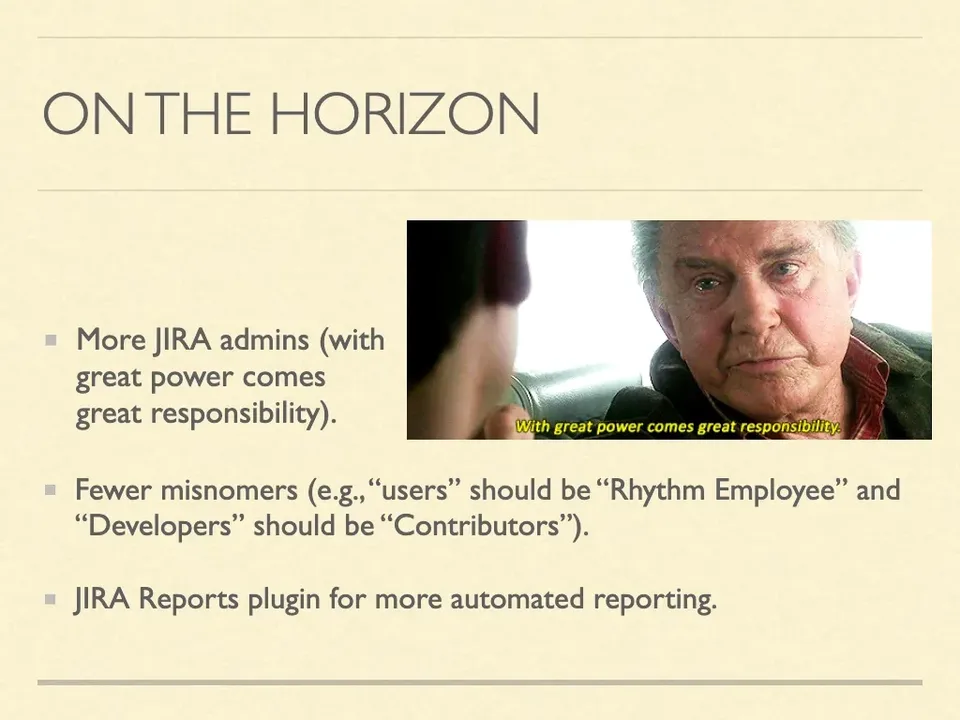
- More JIRA admins (with great power comes great responsibility).
- Fewer misnomers (e.g., “users” should be “Rhythm Employee” and “Developers” should be “Contributors”).
- JIRA Reports plugin for more automated reporting.
-
Questions?
- Go ahead, be incredulous.
The Most Memorable Aspects
The memes were fun to add (especially that animated Stranger Things intro slide).
I also had some physical medallions custom created specifically for 4 people (who I dubbed “Jira Wizards”). I wanted to recognize and reinforce people who were contributing to the cause.
Rumor has it there was also an unexpected dance at some point, but only those in attendance will ever know the truth.